How to Spot a Phishing Email
Learn the warning signs of a phishing email, how to check a suspicious message safely, and what to do if you have already clicked.
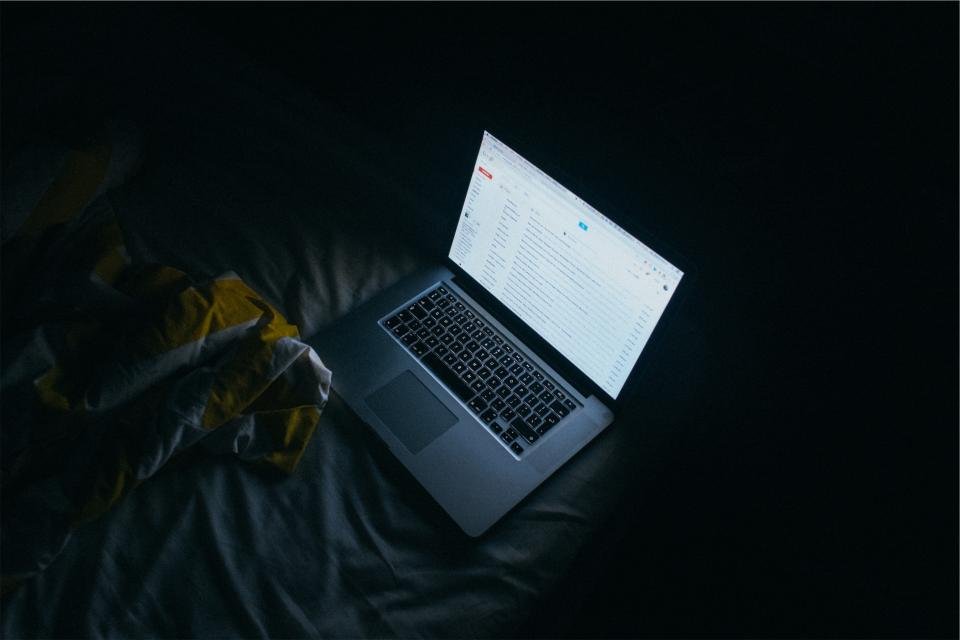
Phishing emails try to trick you into clicking a link, opening an attachment or handing over passwords and payment details. Some are clumsy, but many look convincingly like messages from your bank, a delivery company or even your employer. Learning a handful of warning signs makes them much easier to catch before they cause harm.
Red Flags in the Message
- Urgency or threats. “Your account will be closed in 24 hours” or “Unusual sign-in detected, act now” is designed to make you rush.
- Requests for sensitive information. Legitimate companies rarely ask you to confirm a password, PIN or full card number by email.
- A generic greeting. “Dear customer” from a company that normally uses your name is a warning sign, although a personalised greeting does not prove a message is safe.
- Something unexpected. A refund you did not request, a parcel you were not expecting or a prize for a competition you never entered.
- Odd wording or design. Spelling mistakes, strange phrasing, blurry logos or layouts that look slightly off.
- Unusual attachments. Files you were not expecting, especially compressed folders or documents that ask you to enable editing or macros.
How to Check a Suspicious Email
- Look closely at the sender’s address, not just the display name. Tap or hover over the name to reveal the full address and watch for misspellings or extra words in the domain.
- Preview links without clicking. On a computer, hover your mouse over a link to see the real destination. On a phone, press and hold the link to preview it. If the address does not match the company’s genuine website, do not open it.
- Contact the organisation independently. Use the official app, a bookmarked website or the phone number on your card or statement, never the contact details in the email itself.
- Be wary of requests from colleagues or friends that are out of character, such as urgent gift card purchases or changes to bank details. Confirm by phone or in person.
What to Do if You Clicked
Mistakes happen, and acting quickly limits the damage.
- If you entered a password, change it straight away, along with any other account that uses the same one.
- If you shared bank or card details, call your bank using the number on the back of your card.
- Turn on extra sign-in verification for the affected accounts if it is not already enabled.
- If you opened an attachment, disconnect from the internet and run a full security scan with your device’s built-in protection or antivirus software.
- At work, tell your IT or security team immediately, even if you feel embarrassed.
Staying a Step Ahead
Use your email provider’s “report phishing” or “report spam” button so similar messages are filtered for others too. Keep your devices and apps updated, use unique passwords, and remember the simplest rule of all: if a message makes you feel rushed or anxious, pause and verify before you do anything.