How to Create a Strong Password You Can Remember
Build passwords that are hard to crack but easy for you to recall, using passphrases, smart habits and a password manager.
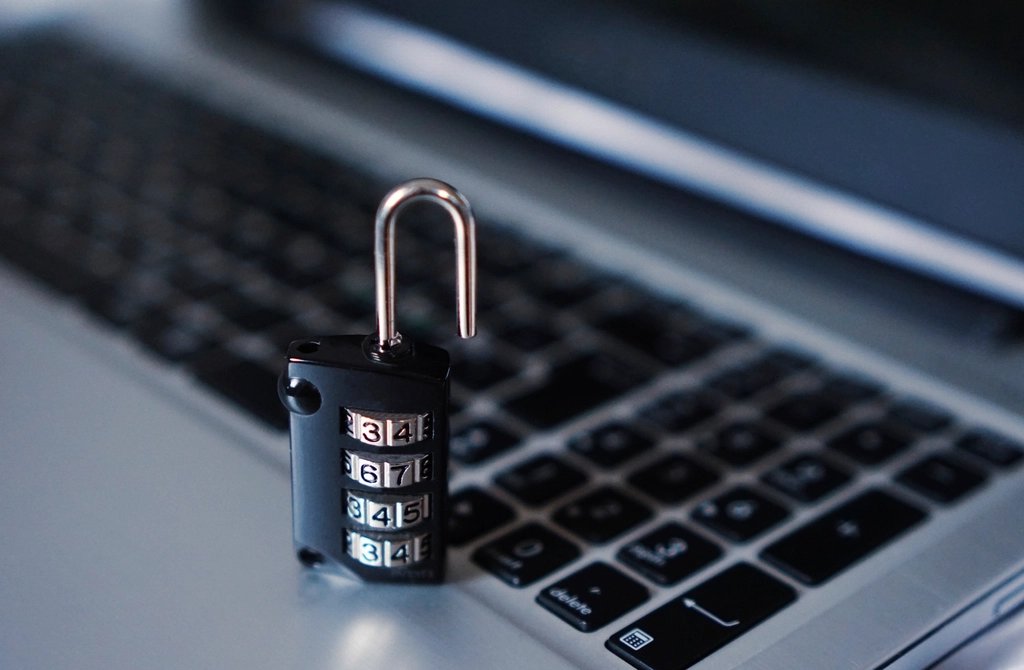
A good password needs to do two jobs at once: stump anyone trying to guess it and stay easy enough for you to type without a sticky note. The good news is that length matters far more than strange symbols, which makes memorable passwords much easier to build than most people expect.
Why Length Beats Complexity
Attackers use software that tries enormous numbers of combinations very quickly, and it starts with common words, names and predictable swaps like replacing “a” with “@”. A short password stuffed with symbols can still fall quickly if it follows a familiar pattern. Every extra character, on the other hand, multiplies the number of possibilities. That is why security experts now recommend long passphrases over short, cryptic strings.
Build a Memorable Passphrase
- Pick four or more random, unrelated words. Think “copper violin tractor sunrise” rather than a phrase from a song or film. The words should not form a sentence anyone could predict.
- Picture a silly scene that links them. Imagining a tractor playing a copper violin at sunrise makes the sequence stick in your memory.
- Aim for at least 15 characters. Four average words usually gets you there comfortably.
- Add a twist if a site demands it. If a number, capital letter or symbol is required, put them somewhere unexpected rather than a capital at the start and “1!” at the end.
- Type it a few times right away. Repetition in the first day or two locks it in.
Mistakes to Avoid
- Using personal details such as birthdays, pet names, street names or your favourite team, which are often visible on social media.
- Reusing the same password across sites. If one service is breached, criminals try those details everywhere else.
- Making tiny variations like adding a number each time you are forced to change it.
- Choosing keyboard patterns such as “qwerty” or “123456”, which are among the first guesses attackers try.
- Sharing passwords over text or email, where they can sit unprotected for years.
Let a Password Manager Do the Heavy Lifting
Nobody can remember a unique passphrase for dozens of accounts. A password manager solves this by storing every login in an encrypted vault and generating long random passwords for you. You only need to remember one strong master passphrase, so make that the one you build with the method above. Most managers work across phones and computers and can fill in logins automatically, which also helps protect you from fake sites, because they will not autofill on a web address they do not recognise.
Many browsers and phone operating systems include a built-in password manager, and there are also standalone apps. Choose one that is widely used, regularly updated and offers a way to recover your vault if you lose a device.
Keep Your Accounts Protected
Start with the accounts that matter most: your main email, banking and any account used to reset other passwords. Give each a unique passphrase, turn on extra sign-in verification where offered, and change a password promptly if a service tells you it has been involved in a breach. Small steps like these go a long way.