How to Improve Your Home Wi-Fi Signal
Weak Wi-Fi in parts of your home? These practical fixes, from router placement to settings tweaks, can boost coverage without guesswork.
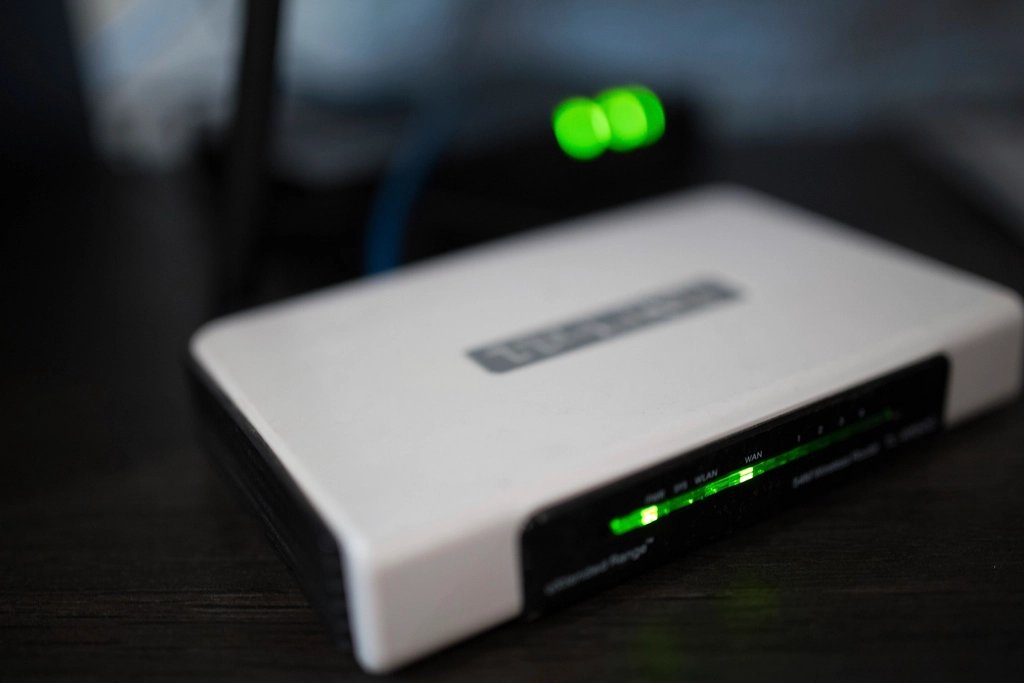
Dead zones, buffering videos, and dropped video calls are frustrating, but many Wi-Fi problems come down to a few fixable issues. Before you pay for a faster internet plan, try these steps to get a stronger, more reliable signal throughout your home.
Find a Better Spot for Your Router
Where your router sits has a huge impact on coverage. Wi-Fi signals weaken as they pass through walls, floors, and furniture, and some materials block them more than others.
- Place the router as close to the center of your home as you can.
- Raise it off the floor, ideally on a shelf or table.
- Keep it out of cabinets and away from thick walls, mirrors, large metal objects, and fish tanks.
- Move it away from devices that can cause interference, such as microwaves and cordless phones.
- If it has adjustable antennas, try pointing some straight up and others sideways.
Restart and Update Your Router
Routers are small computers, and they benefit from a fresh start and the latest software.
- Unplug the router (and modem, if separate), wait about 30 seconds, and plug it back in.
- Sign in to the router’s settings through its app or web page. The address and login are usually printed on a label on the device.
- Look for a firmware or software update option and install any available update.
- While you’re there, make sure the Wi-Fi uses a strong password and current security, such as WPA2 or WPA3.
Use the Right Frequency Band
Most modern routers broadcast on more than one band. The 2.4 GHz band travels farther and through walls better but is slower and more crowded. The 5 GHz band, and 6 GHz on newer routers, is faster but has a shorter range. If your router lets devices choose automatically, that usually works well. If not, connect nearby devices to the faster band and distant ones to 2.4 GHz.
If neighbors’ networks are crowding the airwaves, your router’s settings may let you change the channel. Many routers can pick the least busy channel automatically.
Extend Coverage for Larger Homes
If some rooms are simply too far away, you may need extra hardware:
- Mesh Wi-Fi systems use several units placed around your home to create one seamless network. They’re often the best choice for larger or multi-story homes.
- Wi-Fi extenders are a cheaper option for one or two weak spots, though they can reduce speed.
- Wired connections using Ethernet cables give the most reliable performance for TVs, consoles, and desktop computers.
Final Tips
- Disconnect old devices you no longer use from the network.
- Run a speed test near the router and in problem rooms to see where the issue really is.
- If your router is many years old, a newer model may support faster, more efficient Wi-Fi standards.
- If speeds are slow even right next to the router, contact your internet provider.
A few small changes can make your whole home feel faster.