How to Wipe Your Phone Before Selling It
Protect your personal data before you sell, trade in or give away a phone by backing up, signing out and doing a proper factory reset.
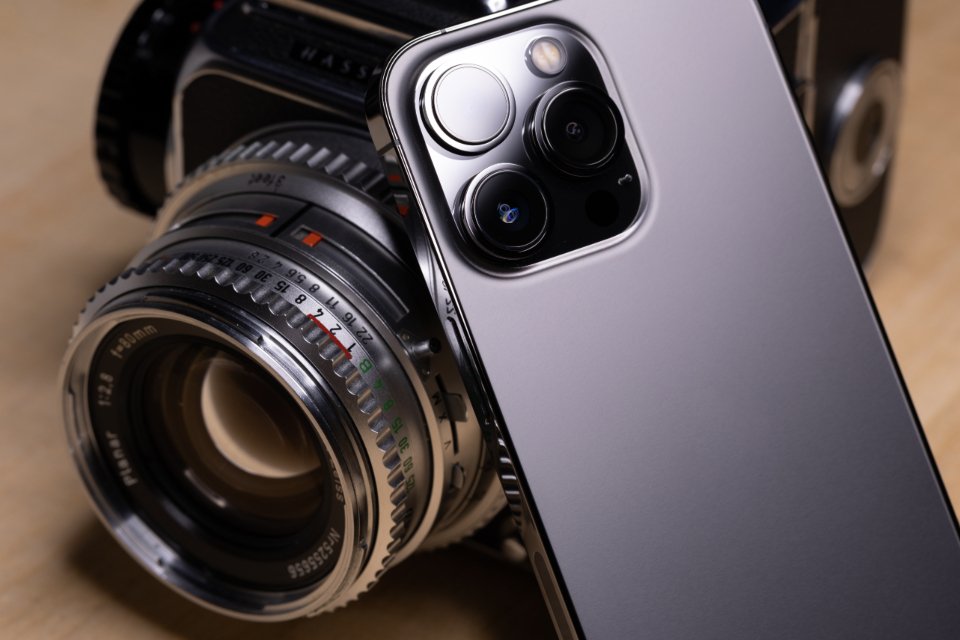
Your phone holds photos, messages, banking apps and the keys to most of your online accounts, so it needs a proper clean before it goes to a new owner. A factory reset does most of the work, but doing a few things first ensures you keep your data and the buyer can actually use the phone. Set aside about half an hour.
Step One: Back Everything Up
- Run a full backup to your phone’s cloud service or to a computer, and wait until it finishes completely.
- Check that photos and videos have finished syncing to your chosen photo service.
- Back up chat history from messaging apps using each app’s own backup option, as these are not always included in a standard backup.
- Make sure your authenticator app codes can be moved or restored. If not, switch your accounts to a new device or another sign-in method before you wipe the old one.
Step Two: Sign Out and Unlink
This step is easy to forget, and it matters. Many phones have an activation or anti-theft lock tied to your account. If you do not sign out, the new owner may be unable to set up the phone.
- Turn off the find-my-device feature and sign out of your main phone account in settings.
- If you have a smartwatch, unpair it from the phone first so it can be set up again later.
- Remove the phone from your list of trusted devices in your main online accounts.
- Deregister it from any messaging service tied to your phone number if you are switching to a different type of phone, so your texts still arrive.
Step Three: Remove Cards and Do the Factory Reset
- Take out the SIM card and any memory card. If you use an eSIM, contact your carrier or follow its instructions to transfer it to your new phone.
- Plug the phone in so it does not run out of power mid-reset.
- Open settings and search for reset. Choose the option to erase all content and settings or to perform a factory data reset. You may need to enter your passcode or account password.
- Wait for the phone to restart. It should show the welcome or setup screen, as if new out of the box.
Modern phones encrypt their storage by default, so a factory reset makes the old data effectively unreadable. You do not need special wiping software.
Step Four: Final Checks
- Do not start the setup process yourself; leave it at the welcome screen for the buyer.
- Look up your account’s device list online and confirm the old phone has gone.
- Give the phone a gentle clean with a soft cloth.
- Keep the original box and charger together if you have them, as they often increase resale value.
A Few Words of Caution
If a buyer asks you to leave your account signed in, or to share your passcode, decline. When selling to a stranger, meet in a busy public place and wait until payment has fully cleared before handing the phone over. With these steps done, you can pass on your old device knowing your personal life stays with you.